


Working Hour
Mon-Sat, 9.00am-9.00pm
Mon-Sat, 9.00am-9.00pm

Describe the property location and the repair or improvement you need. Photos and earlier repair records can help when available. You can also start by calling to discuss the problem.
We assess the work, explain the options and agree the proposed scope and price with you before proceeding.

Enquiries can cover property maintenance, plumbing, installation, painting, renovation and cleaning. Describe the affected fixture or area so the required work can be assessed.
The scope depends on the existing installation, access and any related work. Regulated work requires confirmation of the applicable qualifications and who will carry it out.
Ask about the proposed work, access arrangements and what the quote covers. We discuss changes to the scope before proceeding with additional work.
You can contact Mel One Maintenance directly to discuss your property and the next step.
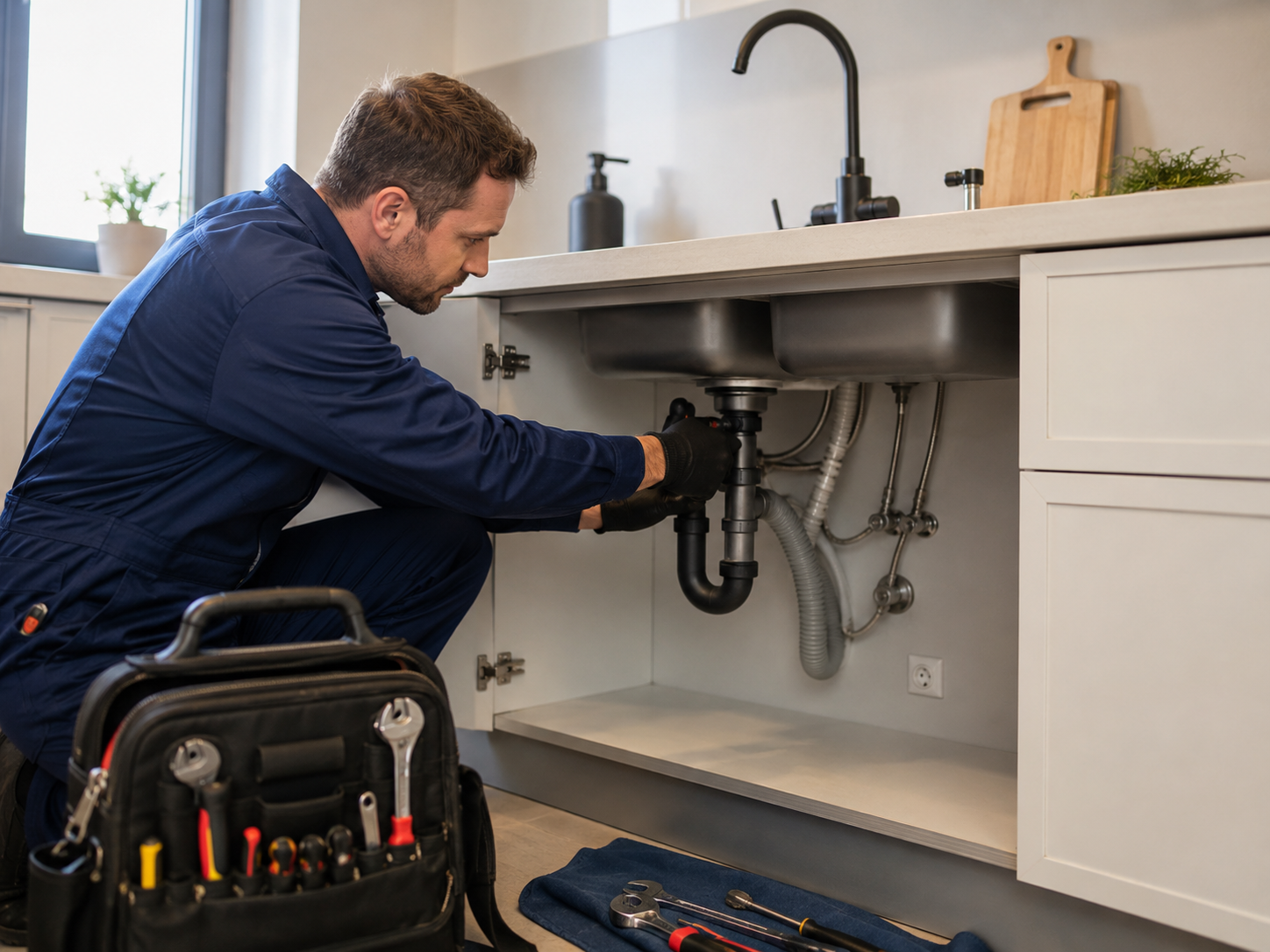
For kitchen taps, sinks and appliance connections, explain the fitting and any leak or installation change.
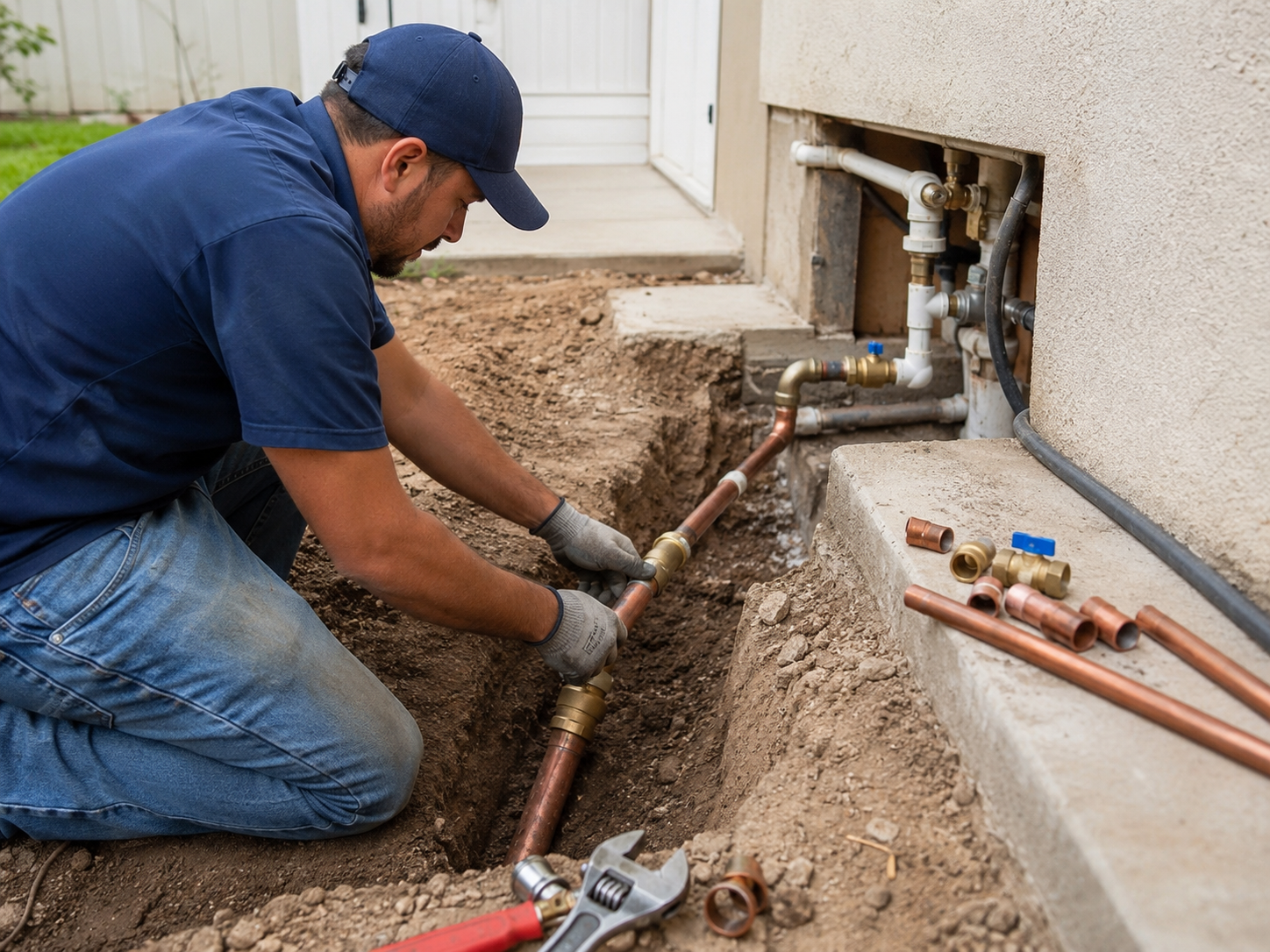
For new or replacement water pipes, describe the existing supply, intended connection and access.
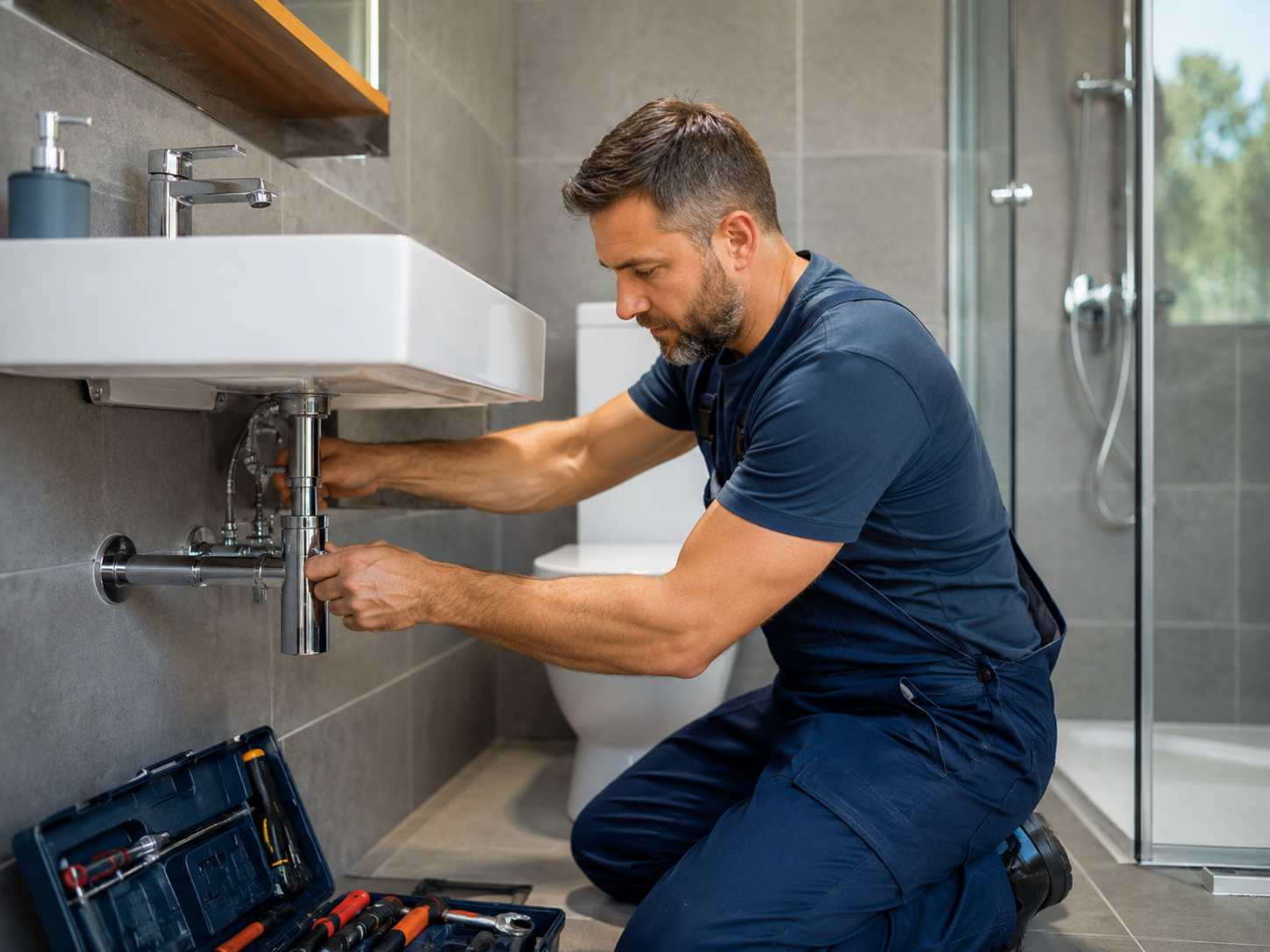
For bathroom taps, showers and pipework, describe the affected fixture and what has changed.
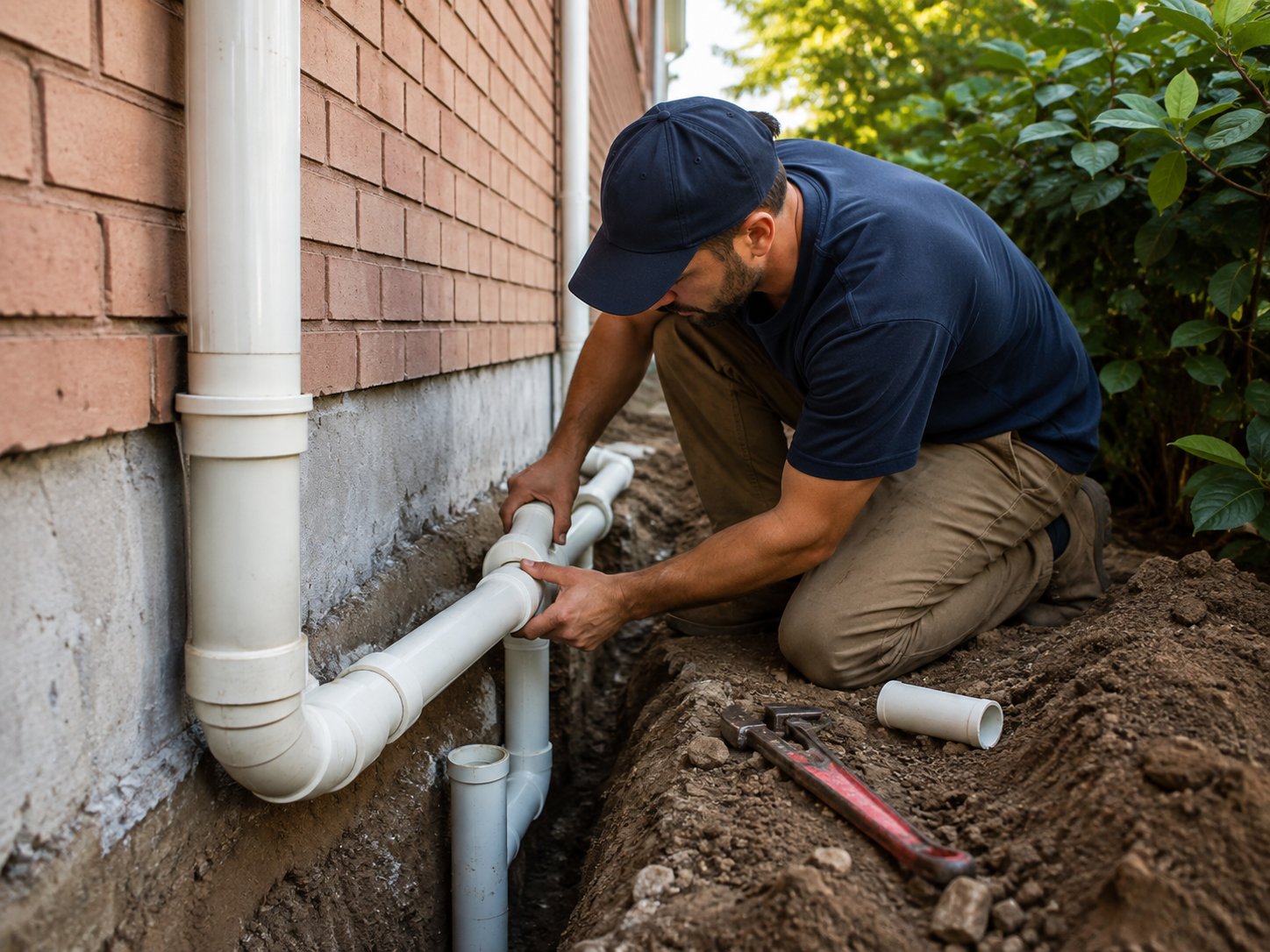
For installation or replacement work, tell us what needs fitting and the condition of the existing connection.


Clarity stays off until you allow it. With permission, it records masked reading, scrolling and clicks for heatmaps and session recordings, and may process device, connection and first-party analytics identifiers. Page text is masked. Contact, confirmation and staff pages, and visits containing query strings or fragments, are excluded. Recording stops when you begin using a form or editable field. Form content and unsent drafts are excluded.
Use Clarity preferences to change your choice. Refusing does not affect browsing or using the website. Browser no-tracking signals keep Clarity off. This preference controls Clarity only and does not change other existing analytics settings.